A Practical Guide to Building a Comfortable Home Office for Remote Work
Table of Contents
Introduction
When I started working remotely, I underestimated how much my desk setup would affect my focus. After months of wrist pain and eye strain, I realised the problem wasn’t my workload — it was my workspace. As I transition from traditional office settings to working from home, the demand for optimal tools and accessories to create a functional workspace is ever-increasing. A well-equipped home office not only fosters a conducive atmosphere for work but also contributes significantly to overall work performance and satisfaction.
Home office accessories encompass a wide array of items, including ergonomic chairs, adjustable desks, monitor stands, and organised storage solutions, all designed to improve the workspace. These tools play a crucial role in facilitating efficiency, streamlining workflow, and ensuring that remote workers can perform at their best. For instance, an ergonomic chair can greatly reduce physical discomfort during long hours of work, ultimately allowing employees to focus better on their tasks.
Furthermore, the right accessories help remote workers establish a dedicated workspace, distinguishing it from personal areas. This demarcation is essential in maintaining a productive work-life balance, which is often a challenge for those working from home. By investing in home office accessories that cater to their unique needs, remote employees can cultivate an environment that promotes concentration and creativity.
As we delve deeper into this guide, it is important to recognize how the selection of suitable home office accessories can greatly impact daily work routines and overall job satisfaction. In a world where remote work is becoming increasingly prevalent, understanding the significance of a functional workspace is not just relevant; it is essential for long-term success.
Benefits of Having the Right Home Office Accessories
Having the appropriate home office accessories plays a crucial role in enhancing the work-from-home experience. A well-organized and comfortable workspace not only boosts productivity but also contributes significantly to employee satisfaction and performance. Studies suggest that employees who utilize ergonomic chairs and height-adjustable desks report a 20% increase in productivity. Such improvements are directly linked to the physical comfort provided by suitable office accessories.
Moreover, optimal workspace accessories can enhance efficiency by minimizing distractions. For example, noise-reducing headphones can help remote workers focus better, leading to an estimated productivity increase of 14%. The right home office setup allows individuals to maintain their concentration levels by creating an environment conducive to work.
Additionally, investing in high-quality office accessories fosters a sense of professionalism and may improve overall work quality. Pencil holders, document organizers, and task lighting contribute to an organized workspace that promotes a disciplined work ethic. In fact, research indicates that an organized desk correlates with a 30% rise in work efficiency, as individuals spend less time searching for necessary materials.
Comfort is another vital benefit of having the right accessories. Ergonomic keyboards, mouse pads, and adjustable monitor stands reduce physical strain and help prevent common work-related injuries such as carpal tunnel syndrome and back pain. The incorporation of body-friendly accessories in a home office can result in significant long-term health benefits, reducing sick days and increasing overall job satisfaction.
🟩 Best Overall Ergonomic Mouse for Small Hands (Remote Work)
Product Name: Logitech Lift Vertical Ergonomic Mouse
Best For: Small hands, wrist pain, long remote work hours
Why It Stands Out:
✔ Designed specifically for small–medium hands
✔ Vertical grip reduces wrist and forearm strain
✔ Quiet clicks + long battery life
✔ Excellent reviews from remote workers
🟨 Budget Ergonomic Mouse Option
Product Name: Anker Ergonomic Vertical Wireless Mouse
Best For: Affordable wrist pain relief
Why It Stands Out:
✔ Comfortable vertical design
✔ Budget-friendly but reliable
✔ Ideal for beginners switching to ergonomic mice
In conclusion, the right home office accessories are instrumental in improving productivity, comfort, and efficiency in a remote work environment. By optimizing the workspace with thoughtful selections of accessories, remote workers can create an atmosphere that not only enhances their work experience but also fosters long-term professional success.
Ergonomic Home Office Accessories.
For remote workers, ergonomics isn’t a luxury — it’s a necessity. Long hours at a desk can quickly lead to wrist pain, neck stiffness, and lower back discomfort if the workspace isn’t properly set up. This is why investing in the right ergonomic home office accessories can dramatically improve both comfort and productivity.
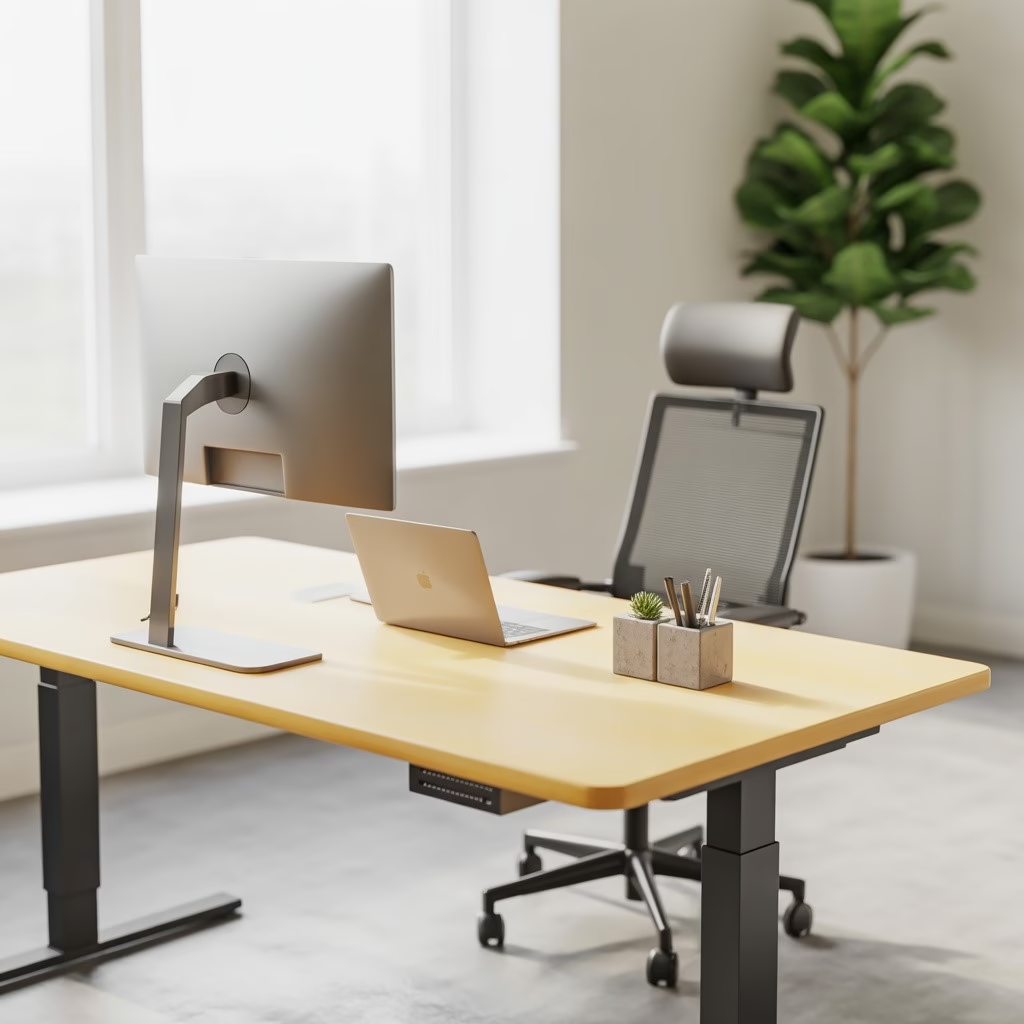
An ergonomic chair with lumbar support helps maintain proper spinal alignment, reducing fatigue during long work sessions. Likewise, height-adjustable desks allow you to alternate between sitting and standing, which improves circulation and prevents stiffness caused by prolonged sitting.
One commonly overlooked accessory is the ergonomic mouse, especially for users with smaller hands. A poorly sized mouse forces the wrist into awkward positions, increasing strain over time. Choosing a mouse designed specifically for small hands can significantly reduce wrist pain and improve precision during daily tasks.
👉 If hand or wrist discomfort is affecting your work, this detailed guide on the best ergonomic mouse for small hands breaks down the top options for remote workers.
Finally, monitor stands and adjustable arms ensure your screen stays at eye level, helping prevent neck strain and eye fatigue. Even small ergonomic upgrades like these can lead to noticeable improvements in focus and energy throughout the workday.
“🖱️ See the Best Ergonomic Accessories for Remote Workers”
Find the Best Ergonomic Mouse for Small Hands
Productivity-Boosting Home Office Accessories
Productivity at home depends heavily on how well your environment supports focus. The right home office accessories can eliminate distractions, improve workflow, and help remote workers stay consistent throughout the day.
Proper lighting is one of the most impactful upgrades you can make. Adjustable desk lamps with multiple brightness levels reduce eye strain and help maintain alertness, especially during long screen sessions or evening work hours.
Task management tools such as desk planners or digital productivity systems also play a major role. Seeing priorities clearly laid out helps reduce mental clutter and keeps workdays structured. Many remote workers report higher output simply by using a dedicated planning system.
Best Desk Lamp for Remote Work Productivity
Product Name: BenQ e-Reading LED Desk Lamp
Best For: Eye strain reduction & long screen hours
Why It Stands Out:
✔ Wide light coverage for desks
✔ Adjustable brightness & color temperature
✔ Reduces eye fatigue during long workdays
🟨 Best Planner for Remote Workers
Product Name: Clever Fox Productivity Planner
Best For: Task planning & focus
Why It Stands Out:
✔ Designed for productivity & goal tracking
✔ Great for freelancers & remote workers
✔ Improves daily focus and organization
Noise is another major productivity killer. Noise-canceling headphones are essential for remote workers in shared spaces, helping block background sounds and improve concentration during deep work or meetings.
👉 For a full breakdown of tools that help remote workers stay focused, check out this curated list of productivity-boosting home office accessories.
Simple organization tools — like cable management systems and desktop organizers — also make a noticeable difference. A clean workspace reduces friction and keeps attention where it belongs: on your work.
💡 Discover Top Productivity Tools for Remote Workers actually use
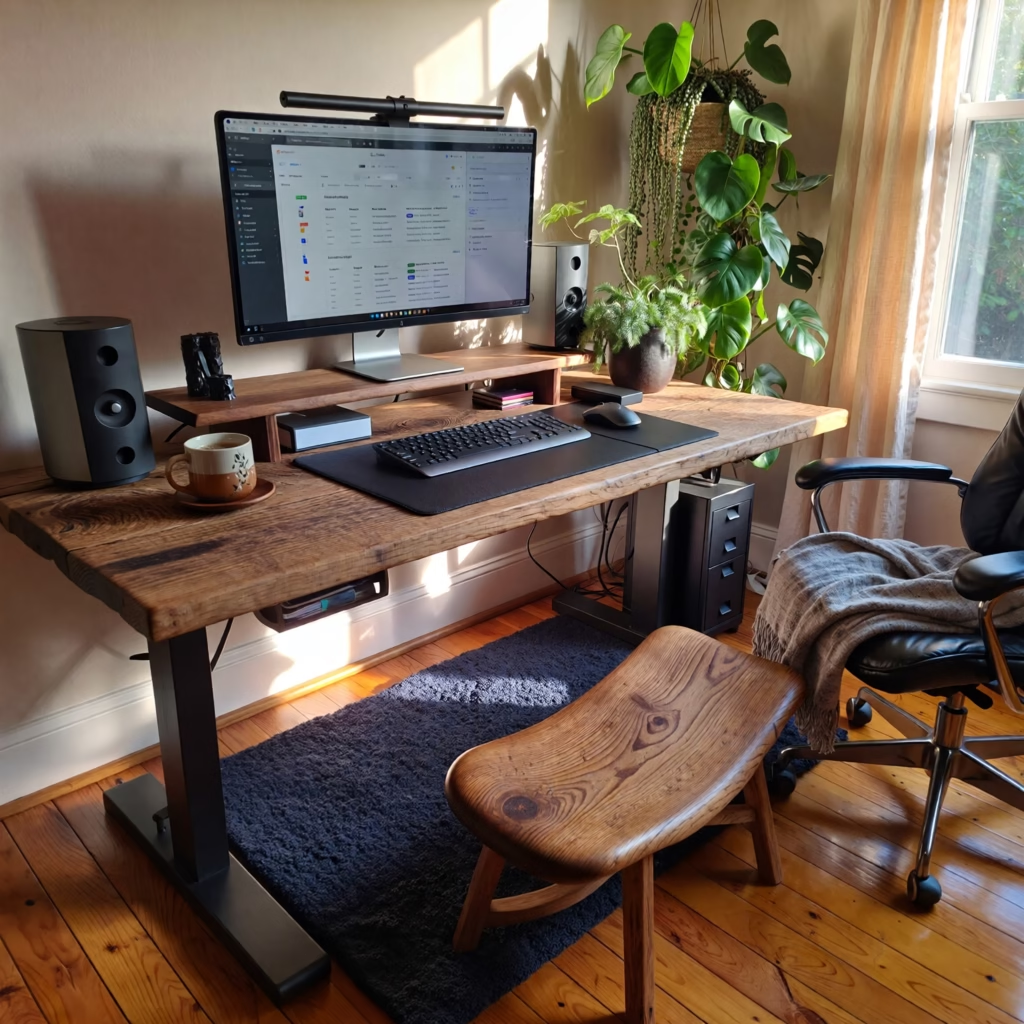
Tech Accessories for Remote Workers
In the current landscape of remote work, technology plays an indispensable role in facilitating effective communication and collaboration. Essential tech accessories, such as webcams, headsets, and docking stations, greatly enhance the work experience for remote workers. These tools not only improve the quality of virtual interactions but also ensure seamless connectivity, making it easier for teams to collaborate regardless of geographical barriers.
Webcams are among the most vital accessories for remote workers. High-definition webcams provide clear video quality, which is crucial during video conferences and meetings. With the rise of remote interactions, having a reliable webcam helps users convey body language and facial expressions, contributing to more effective communication. Current trends showcase integrated artificial intelligence in webcams that enhance focus and framing, ensuring a professional appearance during virtual engagements.
Headsets also play an essential role in enhancing the audio quality of remote communications. Advanced models equipped with noise-cancelling technology allow users to concentrate in noisy environments while ensuring that their voice is transmitted clearly. The demand for headsets has surged, with many models offering wireless capabilities and long battery life, thus improving user comfort and productivity.
Another crucial tech accessory is the docking station, which offers convenience and efficiency. It allows remote workers to connect multiple devices, such as laptops, monitors, and peripherals, with ease. This accessory is particularly beneficial for those who require a multi-screen setup, leading to improved workspace organization and productivity. Additionally, docking stations have begun to incorporate USB-C connections, enabling faster data transfer and charging capabilities, which aligns with the ongoing trend of unified connections and minimalist workspaces.
💻 Upgrade Your Home Office Tech Now
In light of these advancements, it is apparent that investing in quality tech accessories can significantly impact remote work performance. As remote work continues to evolve, the integration of innovative technology will further enhance connectivity and communication among teams, ultimately contributing to a more effective and organized work environment.
Best Webcam for Remote Work & Zoom Calls
Product Name: Logitech C920 HD Pro Webcam
Best For: Video meetings & professional calls
Why It Stands Out:
✔ Full HD 1080p video quality
✔ Excellent low-light performance
✔ Trusted by remote professionals
🟩 Best Noise-Canceling Headset for Home Offices
Product Name: Jabra Evolve 65 Wireless Headset
Best For: Meetings in noisy environments
Why It Stands Out:
✔ Clear microphone with noise cancellation
✔ Comfortable for all-day wear
✔ Wireless freedom for home offices
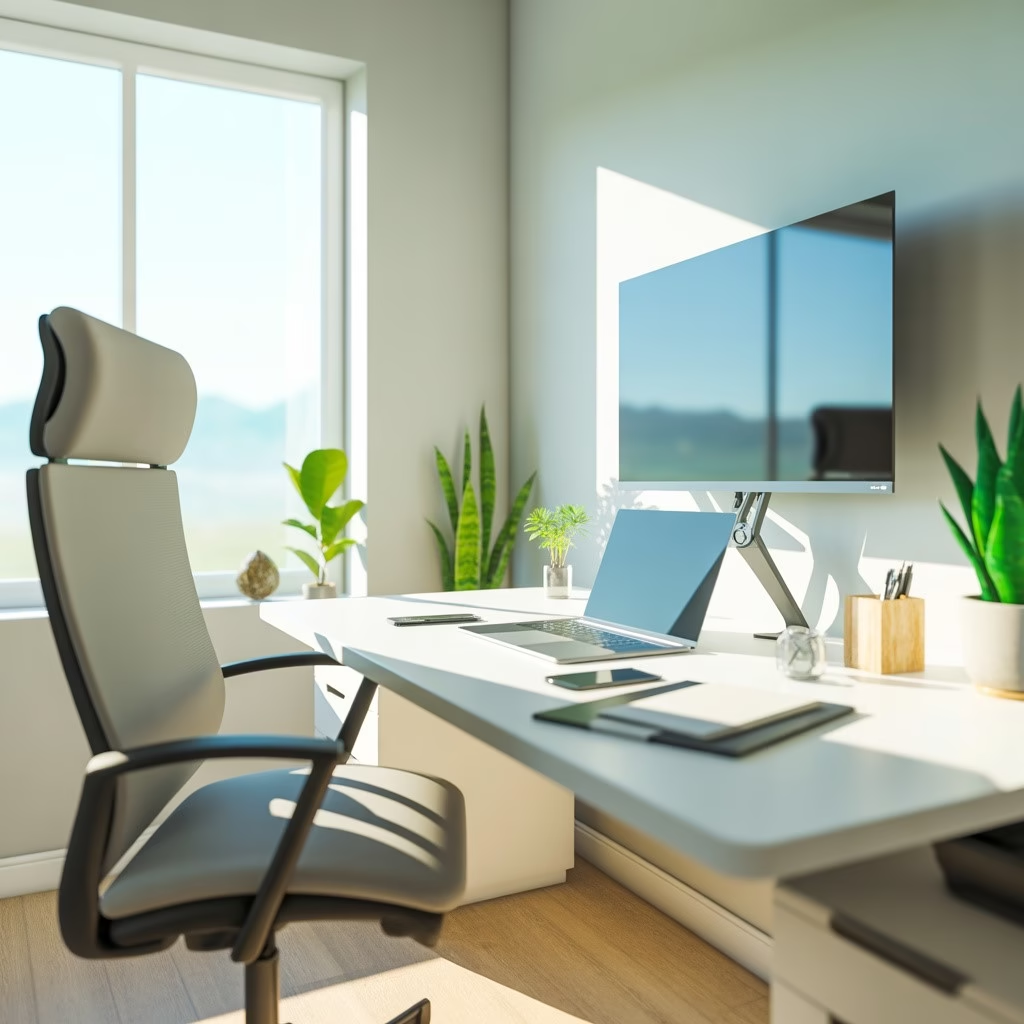
Importance of Organization in a Home Office Setup
Creating a well-organized home office is central to fostering an environment conducive to productivity and focus. With remote work becoming increasingly prevalent, it is essential to invest in organization accessories that not only streamline your workspace but also enhance your daily workflow. A clutter-free desk setup can significantly contribute to reduced distractions, making it easier to concentrate on important tasks.
📂 Get the Best Desk Organizers for a Clutter-Free Workspace
Essential Home Office Accessories for an Organized Desk
To achieve an efficient workspace, various accessories can help maintain organization. Desk organizers, for example, are indispensable for keeping essential items such as pens, notepads, and papers easily accessible yet neatly stored. These organizers range from simple trays to multi-compartment solutions, allowing you to choose one that fits your personal style and needs.
Cable management is another crucial factor often overlooked in home office setups. Messy cables not only create a visual disruption but can also lead to accidental disconnections and safety hazards. Employing cable management solutions, such as cable clips or under-desk cable trays, ensures that cords are tucked away securely, providing a tidy appearance and preventing tangles.
Best Desk Organizer for Home Offices
Product Name: SimpleHouseware Desk Organizer Tray
Best For: Clutter-free desks
Why It Stands Out:
✔ Multi-compartment storage
✔ Affordable and durable
✔ Instantly improves desk organization
🟩 Best Cable Management Solution
Product Name: Delamu Under-Desk Cable Management Tray
Best For: Hiding messy cables
Why It Stands Out:
✔ No drilling required
✔ Keeps cables neat and safe
✔ Improves desk aesthetics instantly
📂 Get the Best Desk Organizers for a Clutter-Free Workspace
Creating a Clutter-Free Workspace
To maximize productivity, decluttering your workspace should be a priority. Begin by removing items that are not essential for your day-to-day work. Next, implement storage solutions like filing cabinets or shelves to store documents and office supplies out of sight. Regularly scheduled clean-up sessions can also help maintain this organization, ensuring that your home office continues to support your productivity.
Ultimately, a structured workspace equipped with appropriate desk setup accessories plays a significant role in promoting focus and efficiency. By prioritizing organization, remote workers can create an environment that not only looks pleasant but also enhances their overall working experience.
Comfort and Wellness Home Office Accessories for Long Work Hours
Working from home often means sitting longer than intended, making comfort and wellness accessories essential for long-term health. Small improvements to posture and circulation can prevent chronic pain and burnout.
A footrest helps align your legs properly, reducing pressure on the lower back and improving circulation. This is especially beneficial for users whose desks aren’t perfectly height-matched to their chairs.
For those using standing desks, anti-fatigue mats provide cushioning that reduces strain on the feet and joints. These mats make standing more comfortable and encourage movement throughout the day.
Adding desk plants is another simple yet effective upgrade. Beyond aesthetics, plants can reduce stress levels and improve air quality, contributing to a calmer and more pleasant work environment.
Accessories like adjustable monitor arms and sit-stand desks further support healthy posture by encouraging movement and proper screen positioning — key factors for preventing long-term discomfort.
Best Footrest for Long Sitting Hours
Product Name: ComfiLife Ergonomic Foot Rest
Best For: Lower-back and leg comfort
Why It Stands Out:
✔ Improves posture
✔ Memory foam comfort
✔ Ideal for long workdays
🟩 Best Standing Desk Mat
Product Name: Sky Solutions Anti-Fatigue Standing Mat
Best For: Standing desk users
Why It Stands Out:
✔ Reduces foot and leg fatigue
✔ Durable & non-slip design
✔ Great for sit-stand desks
“🦶 Download the Home Office Comfort & Wellness Checklist”
Tips for Choosing the Right Accessories for Different Work Styles
When setting up a home office, it is crucial to consider your unique work style and profession in order to select the most suitable accessories. Each remote worker has different needs based on their tasks, environment, and personal preferences. Below are some tips for choosing the right home office accessories based on different work styles.
For digital nomads, portability is key. Lightweight and compact accessories such as folding desks, portable laptops, and slim noise-canceling headphones should be prioritized. A versatile backpack with compartments for your tech devices can help keep your essentials organized while on the go.
Freelancers often require a balance between comfort and functionality. An ergonomic chair combined with a height-adjustable desk allows for various working positions and can improve productivity and health. Incorporating a secondary monitor can enhance multitasking capabilities for tasks requiring extensive screen time.
For those with a creative profession, like graphic designers or writers, accessories that stimulate imagination are beneficial. An adjustable drawing tablet or a tactile keyboard can enhance creative output. Additionally, aesthetically pleasing organizational tools, like stylish pen holders and mood-boosting plant decorations, can create an inspiring workspace.
Remote workers who engage in collaborative activities should invest in accessories that support effective communication. A quality webcam and microphone enhance virtual meetings, and a digital whiteboard can facilitate brainstorming sessions. Furthermore, a dedicated space for tools like sticky notes or planning boards can help in managing projects efficiently
find creative work space accessories
Ultimately, the right accessory selection hinges on understanding your work patterns and optimizing your workspace accordingly. By thoughtfully choosing accessories that align with the identified work style, remote workers can foster an environment conducive to productivity and creativity.
🎯 Find the Perfect Accessories for Your Work Style
Frequently Asked Questions (FAQ)
In the evolving landscape of remote work, many individuals seek clarity on the best practices and tools to enhance their home office experience. Below are some common questions and answers that address concerns related to home office accessories and setups.
1. What are essential accessories for a productive home office?
Essential accessories include a comfortable ergonomic chair, a spacious desk, quality lighting, a reliable headset, and organizational items such as storage solutions or desk organizers. These elements contribute significantly to comfort and efficiency.
2. How can I improve my workspace ergonomics?
To optimize your workspace, ensure that your computer monitor is at eye level, and use an adjustable chair that supports your lower back. Footrests can also be beneficial for enhancing posture. Additionally, incorporating standing desks can encourage movement and reduce fatigue during long working hours.
3. Are there specific tools that can help manage remote communication?
Yes, platforms like Zoom, Microsoft Teams, and Slack facilitate effective communication among team members. Document-sharing solutions such as Google Drive and Dropbox also allow for seamless collaboration and organization of work-related materials.
4. How do I minimize distractions in my home office?
To minimize distractions, create a dedicated workspace away from high-traffic areas of your home. Consider employing noise-cancelling headphones to block out background noise and establish specific work hours during which you communicate your availability to others at home.
5. How important is lighting in a home office?
Good lighting is crucial for preventing eye strain and maintaining focus. Aim for a combination of natural light and task lighting to ensure the workspace is well lit without harsh glare. Adjustable lamps and daylight bulbs can enhance the overall brightness of your home office.
Conclusion and Call to Action
As we have explored in this guide, the right home office accessories can greatly enhance the productivity and comfort of remote workers. From ergonomic furniture that promotes better posture to organizational tools that streamline workflow, each accessory plays an essential role in creating an efficient workspace. Furthermore, technology-driven solutions can improve connectivity and facilitate better communication, ensuring that remote work is both effective and enjoyable.
Evaluating your current home office setup is a crucial step. Consider whether the accessories you currently use truly meet your needs and help create an inspiring and functional work environment. Investments in high-quality office supplies, such as adjustable desks, high-resolution monitors, and efficient lighting, can yield significant benefits in terms of productivity levels and overall job satisfaction.
We encourage readers to take the time to assess their working conditions and identify areas for improvement. By making thoughtful choices regarding home office accessories, one can significantly enhance their work-from-home experience. This guide serves as a comprehensive resource to help you make informed decisions about what you may need.
Lastly, if you found this article helpful, please consider sharing it with fellow remote workers or exploring additional resources that pertain to home office optimization. Every small change can lead to a big difference in how we perform in our work environments. Thank you for reading, and may your home office become a space of productivity and comfort!
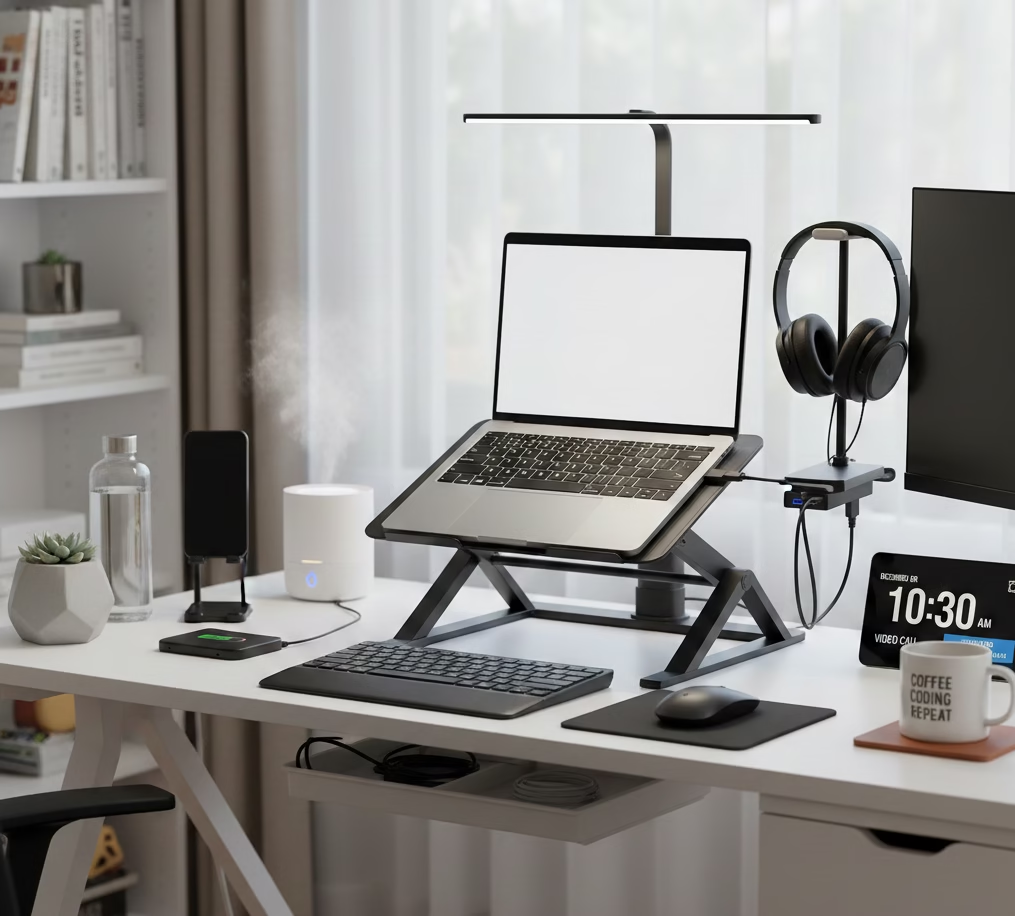
Get your FREE Home Office Setup Checklist to optimize your workspace today