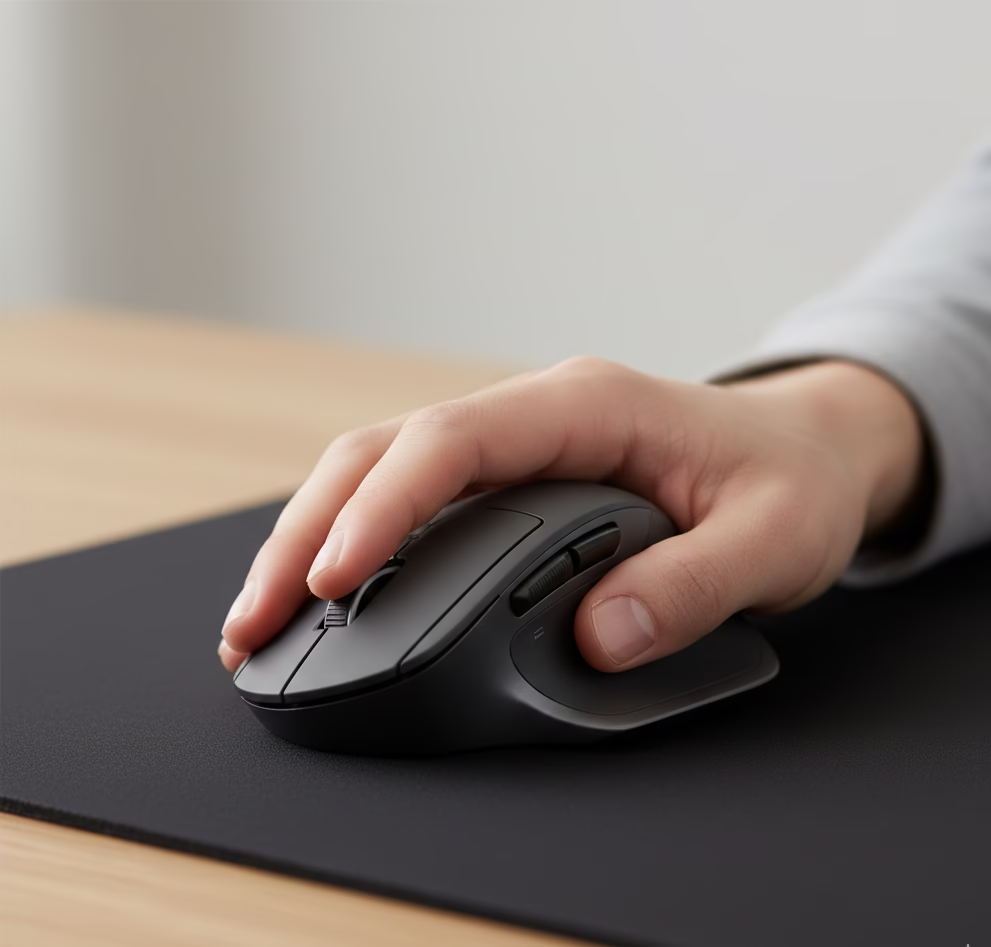
Ergonomic Mouse for Small Hands that you should have: How to Choose the Right One (Remote Work Guide)

Table of Contents
Introduction
When I first started working remotely, I didn’t think much about the size of my mouse. Like many people, I assumed all mice worked more or less the same. After several weeks of wrist discomfort and finger fatigue, I realized the issue wasn’t my workload—it was my setup.
For people with small hands, using an oversized mouse can quietly cause strain over time. This guide explains why mouse size matters, what to look for, and which ergonomic designs are most suitable for smaller hands — without overwhelming you with sales talk. To complete idea of how to setup your home office workspace, you can take a look at our Practical Guide to Building a Comfortable Home Office for Remote Work
Why Ergonomic Mouse for Small Hands matters
A mouse that’s too large forces your hand into unnatural positions. Fingers stretch further than they should, grip pressure increases, and wrist angles become awkward. Over long work hours, this can lead to:
- Wrist pain
- Finger stiffness
- Reduced precision
- Faster fatigue
For remote workers who spend most of the day at a computer, these small issues can quickly compound.
What Makes a Mouse “Ergonomic” for Small Hands
Not every ergonomic mouse is suitable for smaller hands. When choosing one, pay attention to:
1. Shape and Grip Style
Vertical or semi-vertical designs help keep the wrist in a neutral position. However, extremely tall designs may feel uncomfortable for very small hands. A gentle tilt often works best.
2. Size and Weight
A compact body allows better finger reach and control. Lightweight mice reduce tension, especially during long work sessions.
3. Button Placement
Buttons should be reachable without stretching your thumb or fingers. Poor placement often causes unnecessary strain.
Vertical vs Traditional Ergonomic Mice
Vertical mice are popular because they reduce wrist rotation. Many users with small hands report improved comfort after switching, but they may require a short adjustment period.
Traditional ergonomic mice, on the other hand, focus on contouring and support while maintaining a familiar shape. These are often easier for beginners transitioning from standard mice.
Popular Ergonomic Options for Small Hands
Instead of listing dozens of products, here are two commonly recommended styles that remote workers with small hands often prefer:
- Compact vertical mice designed specifically for small to medium hands
- Low-profile ergonomic mice that reduce wrist extension
These designs prioritize comfort over flashy features and are widely used in home office setups.
Adjusting Your Workspace for Better Results
Even the best mouse won’t help if your desk setup is poor. To reduce strain:
- Keep your mouse at elbow height
- Avoid resting your wrist on hard surfaces
- Take short breaks every hour
- Use a mouse pad with light cushioning
Small adjustments often make a bigger difference than replacing equipment.
Final Thoughts
Choosing an ergonomic mouse for small hands isn’t about buying the most expensive option—it’s about finding something that fits naturally and supports your daily work habits.
If wrist or finger discomfort is affecting your productivity, reassessing your mouse and overall desk setup is a good place to start.